Telehealth & Virtual Care
Healthcare, on your schedule
Life doesn’t always leave room for a trip to the doctor’s office. Sometimes, illnesses and infections come at the most inconvenient times — while you’re at work, in the middle of the night, or when you’re traveling. And finding care in those moments can feel overwhelming. But it doesn’t have to be that way — and we’re here to help.
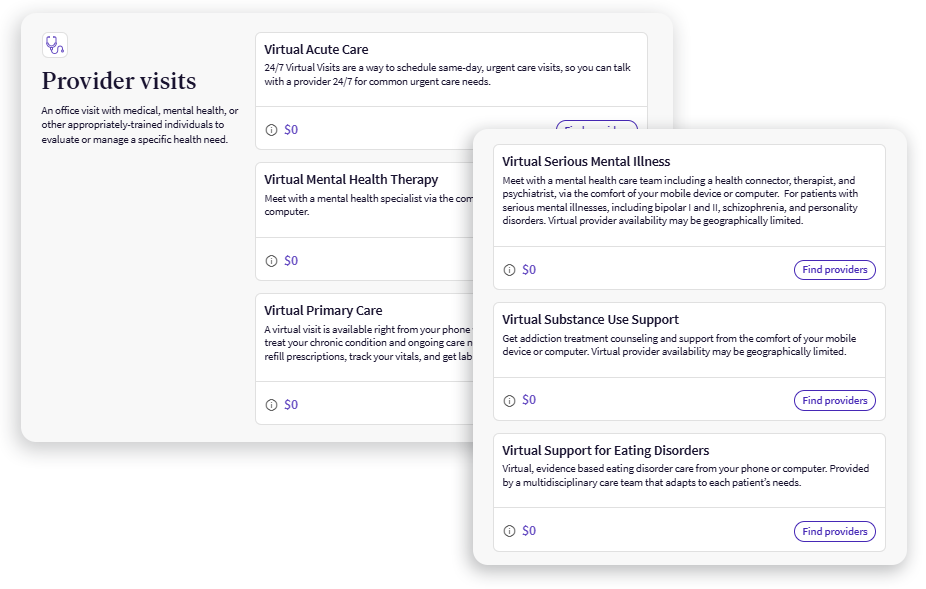
At Clorox, our medical plans all come with access to telehealth and virtual care, making it easy to get affordable care on your schedule from wherever you are.
Save time and money
Virtual and telehealth care are convenient, quality options for non-emergency needs that may help reduce costs and save you and your family time.
Telehealth vs. virtual care
You may hear these terms used interchangeably, but there are some key differences between the two. Here’s what you need to know:
Click here to learn more:
*Please note: Not all doctors’ offices may offer telehealth services. If you’re traveling out of state, licensing restrictions may prohibit you from having a telehealth visit with your provider, and you may need to book a virtual care visit instead. Contact your doctor’s office for questions.

Medical emergency?
Seek in-person care!
The care you choose should depend on your individual situation and level of urgency — not just cost and convenience.
- For life-threatening emergencies, visit your local Emergency Room (ER) or dial 911 immediately.
- For non-life-threatening emergencies like broken bones or allergic reactions, consider a local urgent care center.
Click here to learn more about the right care for your need.
Convenience and peace of mind when you need it most

A scary late-night wakeup
Monica’s infant daughter, Fiona, wakes up screaming at 1am. She has a fever of 103.7 degrees and is wheezing. Monica is scared for Fiona’s well-being, nervous the high fever may be a serious infection, and the wheezing may mean she is having trouble breathing.

Monica weighs her options
Fiona’s pediatrician is closed for the night, as are the local urgent care centers. Monica doesn’t know what to do. She weighs her options: She could wait until tomorrow and call Fiona’s pediatrician, but knows that won’t help them right now in the middle of the night. She could go to the Emergency Room, but those visits are expensive—costing up to $2,500—and she isn’t sure whether Fiona’s situation is actually an emergency. Additionally, her older son is sound asleep in bed, and a trip to the ER would mean having to wake him up and drag him along, too.
Virtual care to the rescue
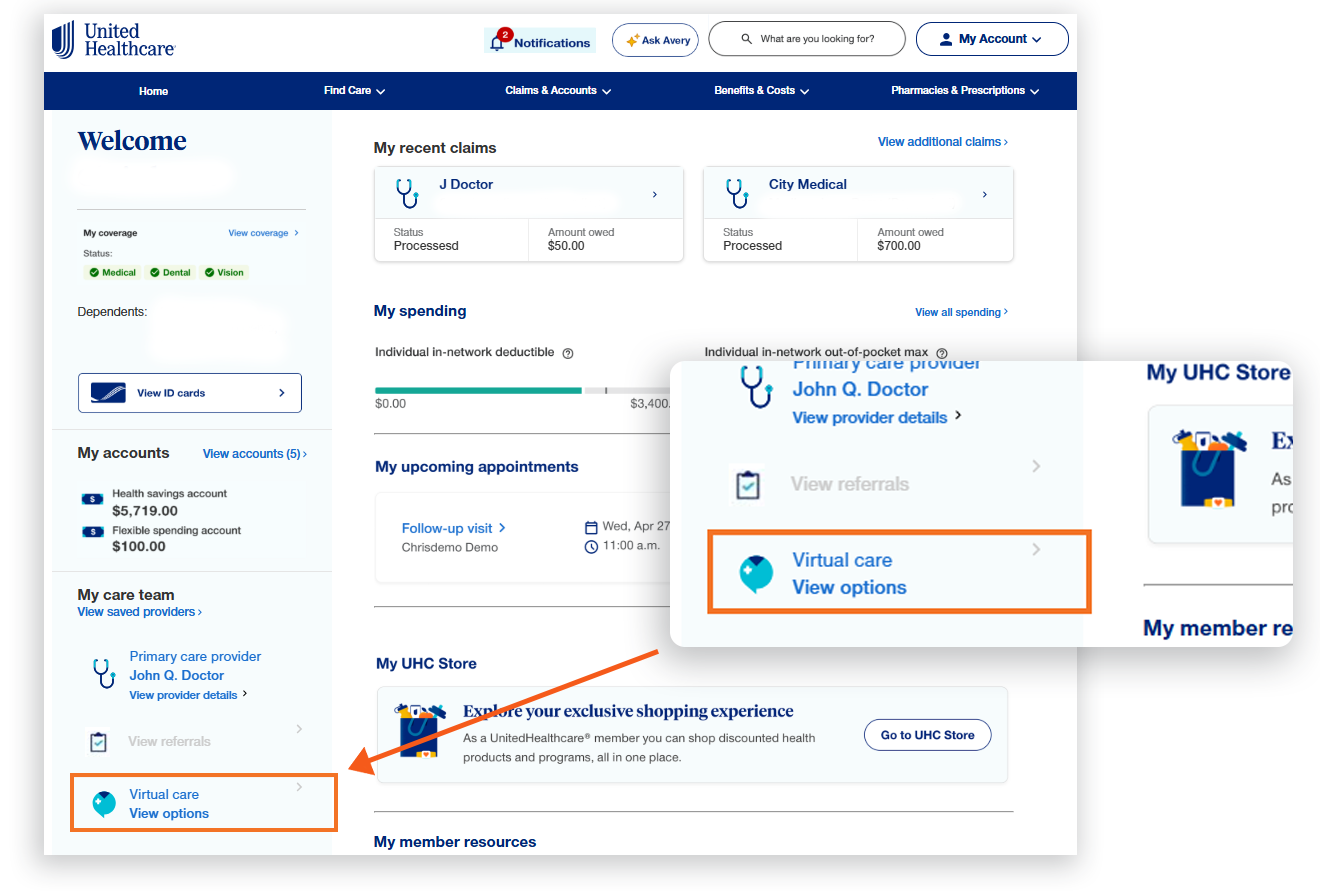
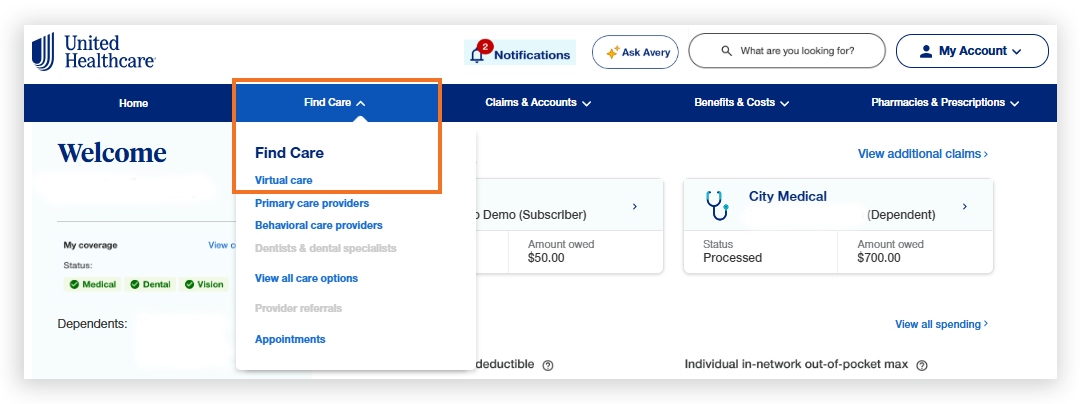
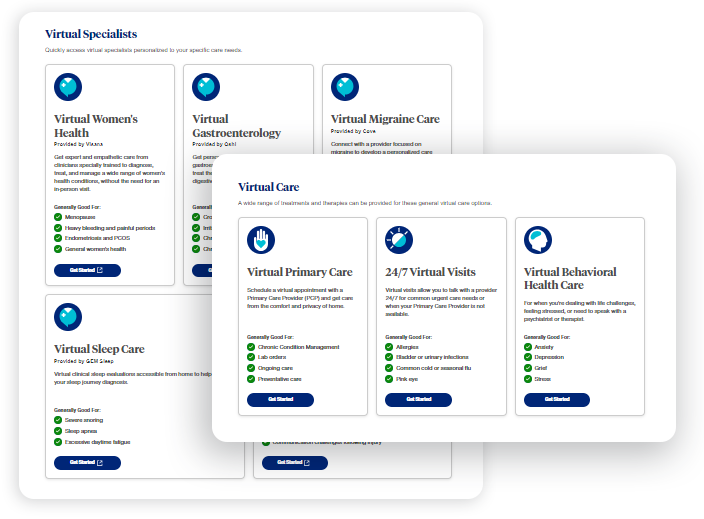
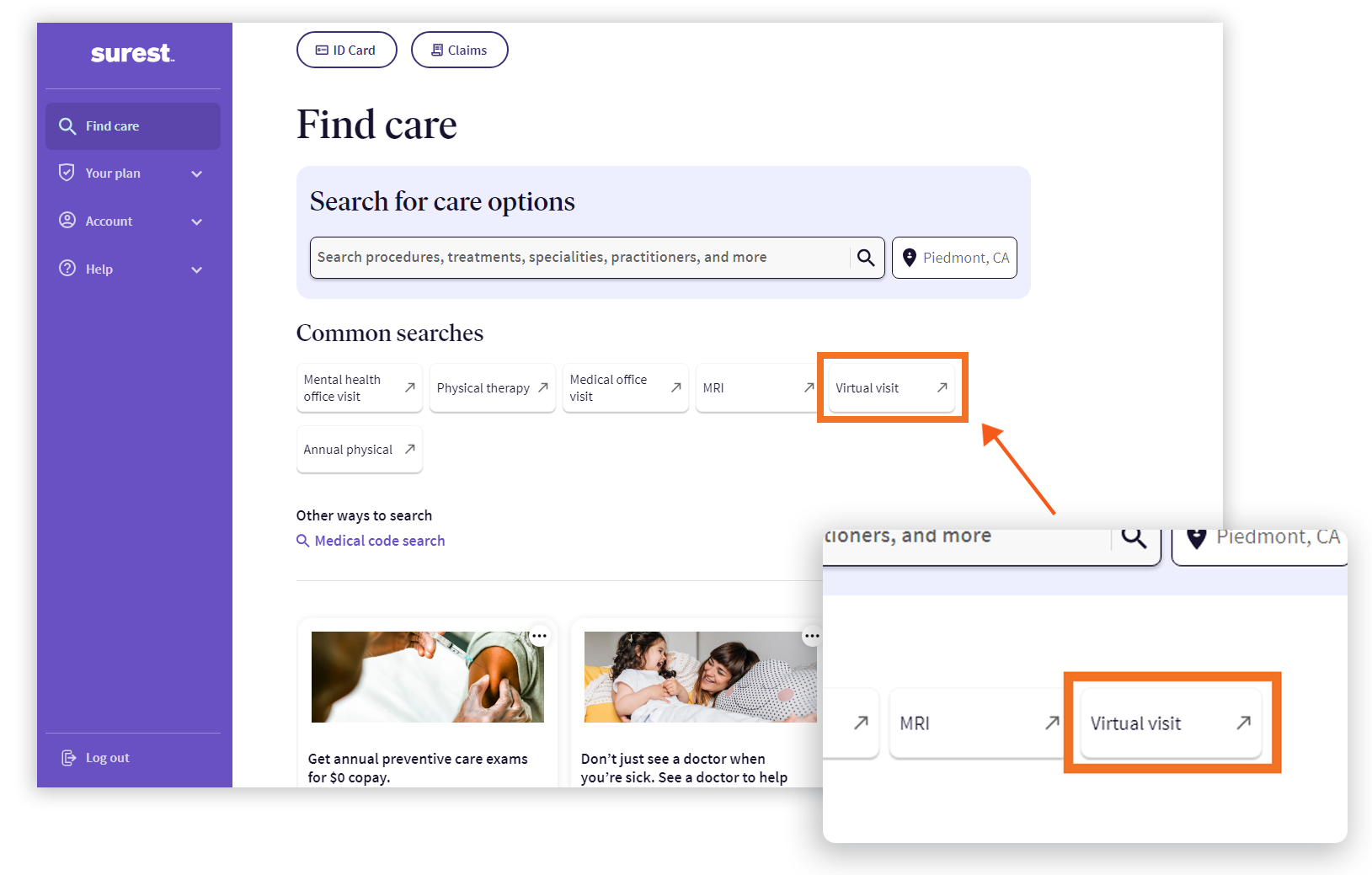
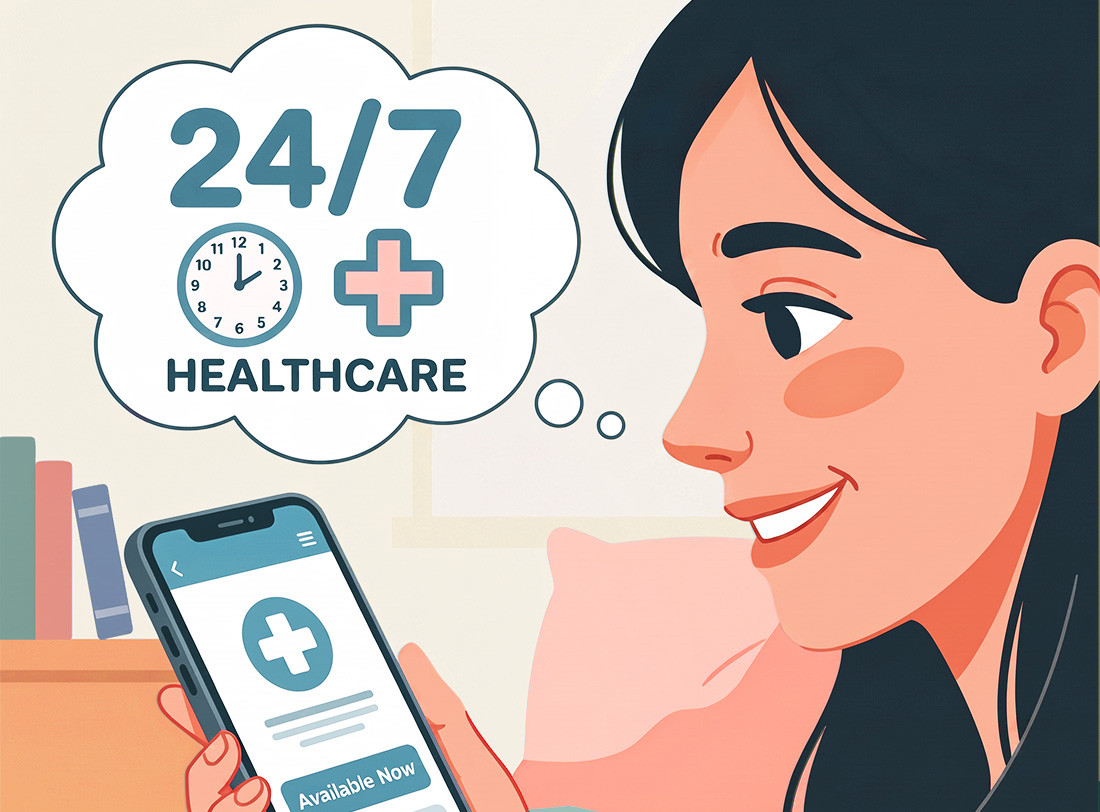
Then Monica remembers how 24/7, on-demand virtual care is available through her Clorox medical insurance. She logs in to her portal and registers for an appointment.
Reassurance and relief in minutes
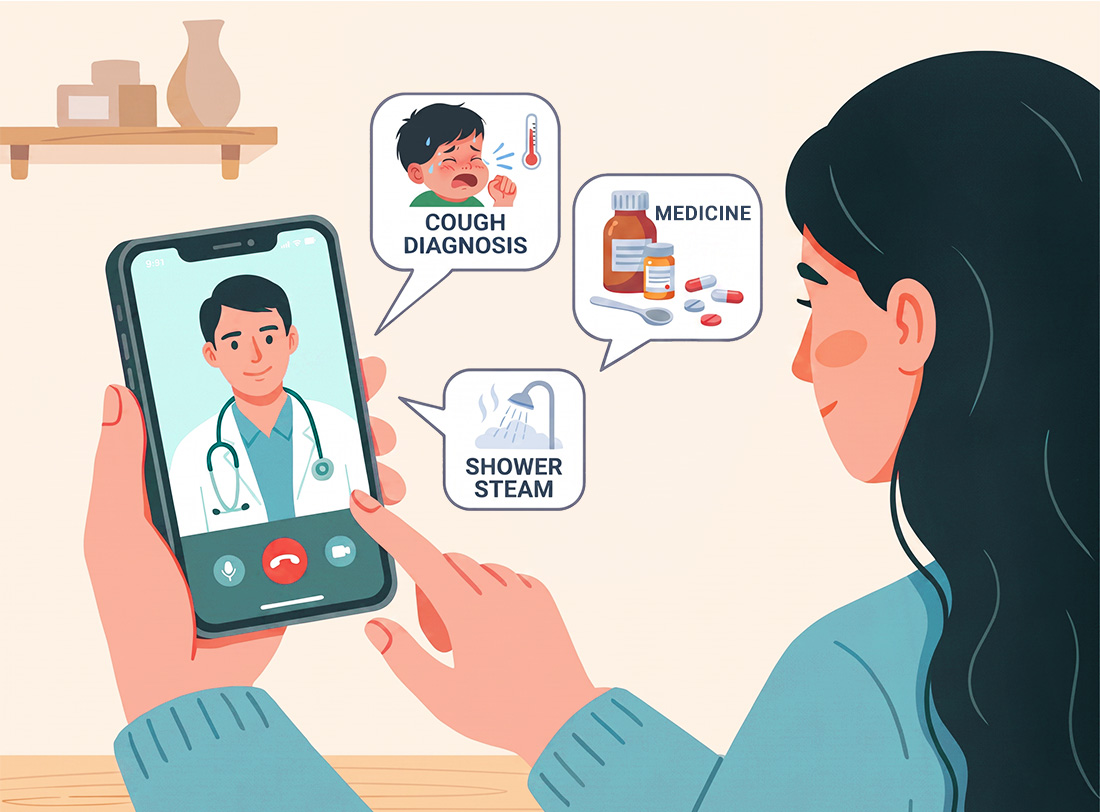
Ten minutes later, she is on a video call with a licensed physician. The doctor calms Monica by telling her about how common high fevers are in newborns and infants, and suggests the maximum dose of Motrin to get them through the night. She also listens to Fiona’s wheezing and diagnoses the coughing as croup—not trouble breathing. She suggests Monica bring Fiona into the bathroom for a steam shower for immediate relief, and prescribes a steroid to help her get over the symptoms.

On the road to recovery
The next morning, Monica picks up the steroid at the pharmacy and continues to give Fiona Motrin based on the telehealth provider’s recommendation. She also calls Fiona’s pediatrician to update them about what happened. In 48 hours, Fiona is good as new!

Quality care, lower cost
Not only has Monica helped Fiona get better, but she has done so without breaking the bank, as the virtual care appointment was far less than an ER visit thanks to her medical coverage!
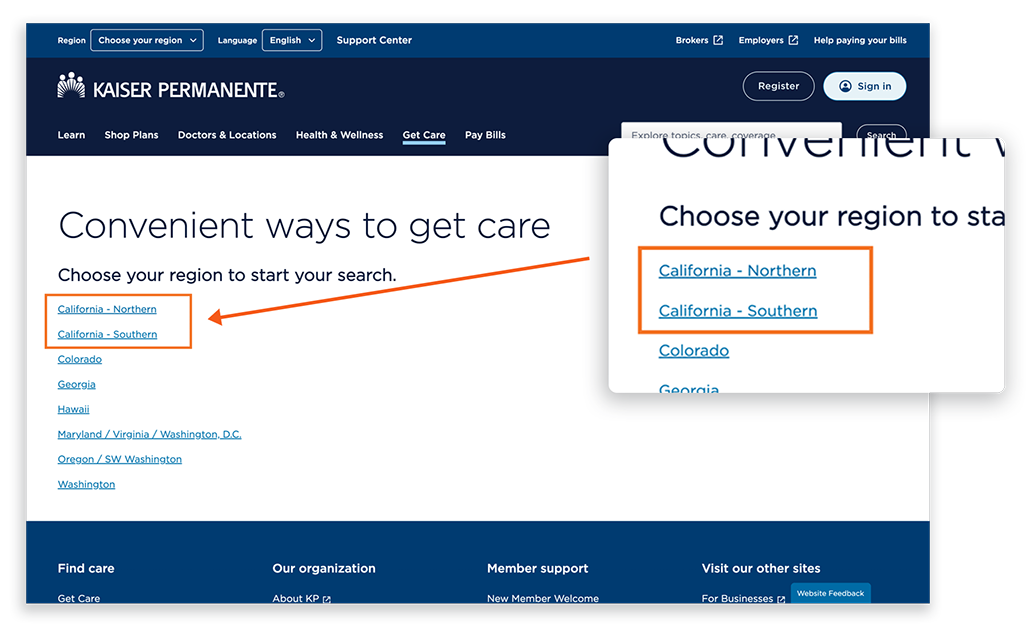
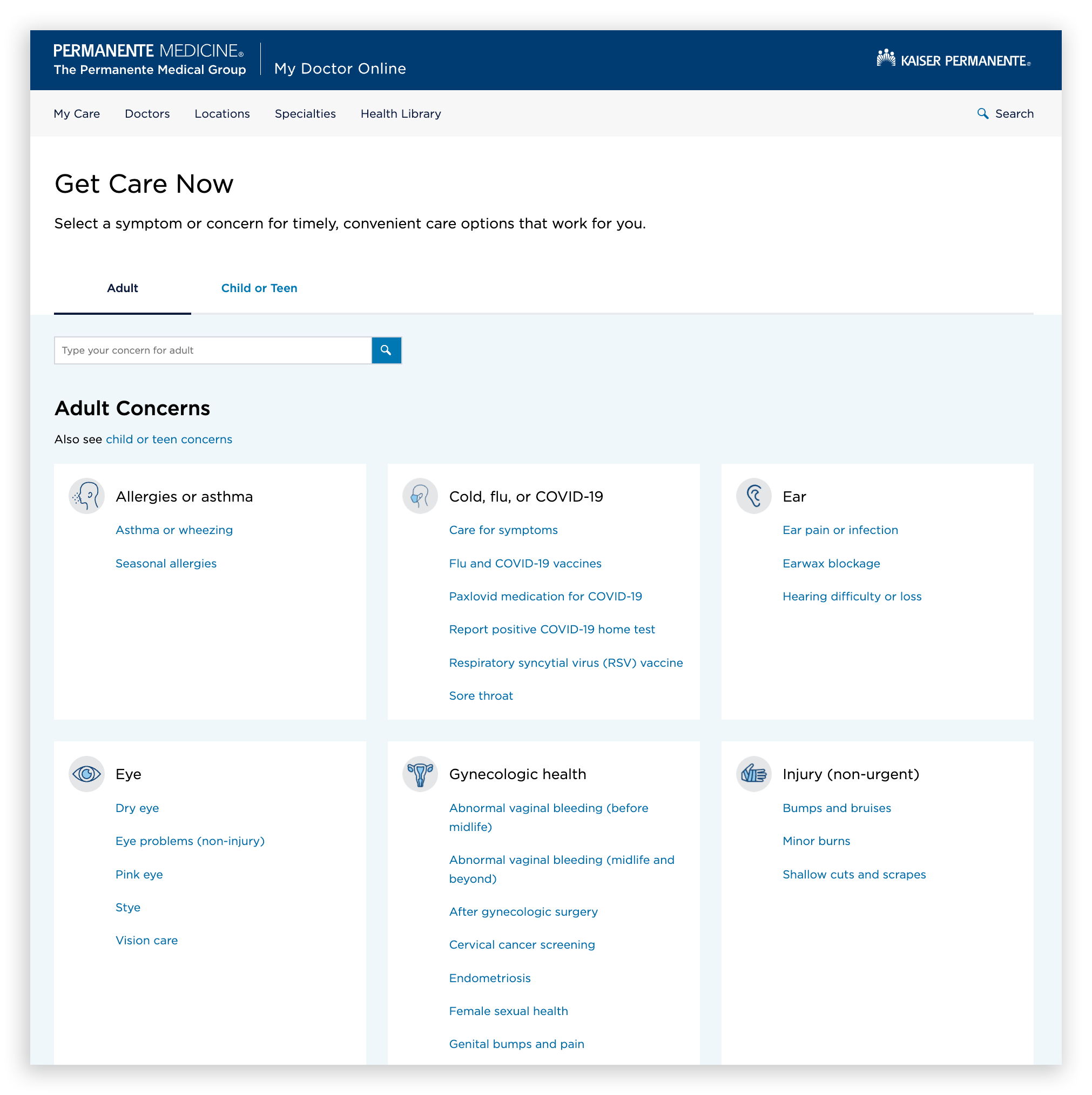
Accessing virtual care through your medical plan
The steps to take depend on which medical plan you have. Remember—several types of virtual care are available 24/7, which means you can access them any time day or night!